- 072-3712551
- [email protected]
- א' - ה': 7:45 - 17:45
- ו' : 7:45 - 14:45


מה שווה גינה אם אנו לא יכולים להיות בה בקיץ או בחורף? השאלה היא מה אנו צריכים לעשות בשביל שנוכל לשהות בגינה למשך כל השנה? אם כן אנו חייבים לציין כי דק הוא הפתרון המושלם לכל עונות השנה והוא משדרג את הגינה שלכם בכמה רמות. על רקע זה עולה השאלה איך לבנות דק?
אם כן דק בונים מעץ כמעט תמיד ואם אתם רוצים לבנות אותו כדאי לכם להחליט קודם כל איפה הוא יהיה, מה יהיה הגודל שלו, כמה זה יעלה לנו, כמה תחזוקה נצטרך לעשות לסוג הדק שאנו בוחרים ולהבטיח כי הוא יהיה בטיחותי וללא סכנה. השורה התחתונה היא שדק משדרג כל גינה ולכן אם יש לכם גינה כדאי לכם מאוד לשים בה דק.
לאחר שהסברנו איך לבנות דק עולה שאלה נוספת והיא האם כדאי לנו לבנות את הדק לבד? אם כן אנו חייבים לציין כי בנייה עצמאית של דק היא מאוד בעייתית. עליכם להבין כי בנייה של דק היא מאוד מסובכת וקשה והיא דורשת ידע עצום שאין לאדם מן הישוב.
בסופו של יום בנייה עצמאית של דק תעלה לכם המון כסף ותיקח המון זמן (וזמן שווה כסף) ולכן היא לא משתלמת. בבניית דק אין מקום לטעויות אך אדם ללא ניסיון בבניית דק יעשה המון טעויות ולכן תמיד אבל תמיד עדיף לפנות אל איש מקצוע אשר יבנה את הדק ויבטיח כי הוא יהיה מושלם.
אי אפשר לשאול איך לבנות דק מבלי לשאול גם האם כל קבלן יכול לבנות דק? אם כן אתם צריכים להבין כי בניית דק מחייבת ידע ספציפי וניסיון רב ויש שוני עצום בין בניית קיר מגבס למשל ובין בניית דק.
לכן אנו חייבים לציין כי ממש אבל ממש לא כל קבלן יכול לבנות דק. כאשר אתם פונים אל קבלן בשביל בניית דק אנו ממליצים לכם לפנות אל הקבלן ולבקש ממנו שיראה לכם דקים שהוא בנה בעבר. כך תבינו עם מי יש לכם עסק והאם הקבלן הוא מומחה בבניית דקים והאם אפשר לסמוך עליו במשימה הרגישה הזאת של בניית הדק לגינה שלכם.
לצד השאלה איך לבנות דק יש גם לשאול על מה להסתכל כאשר אנו פונים אל קבלן בשביל בניית דק? אם כן אנו מציעים לכם לבחון לעומק את סוג העץ שבו אתם בונים את הדק. מומלץ להגיע אלינו אל מחסן עצים מקצועי כדי לראות בעיניים את ההבדלים בין סוגי העצים השונים, ולקבל ייעוץ על עמידות החומר. לצד זאת, כדאי לתכנן את גודל הדק ולראות כמה מן הגינה הוא יתפוס.
כמובן שאי אפשר לדבר על בניית דק מבלי לשאול כמה הדבר יעלה לנו. אנו חייבים לתכנן את התקציב שלנו לבניית הדק וזאת בכדי להבטיח כי נוכל להרשות לעצמנו את הבנייה מבחינה תקציבית. כדאי גם לברר כמה זמן ייקח לקבלן לבנות את הדק כדי להתכונן לתהליך העבודה. לעיתים קרובות, בניית הדק היא הזדמנות מצוינת להשלים את המראה הכפרי בגינה באמצעות שילוב של גדר עץ תואמת, שתיצור תיחום אסתטי ופרטיות מושלמת מסביב למשטח החדש שלכם.
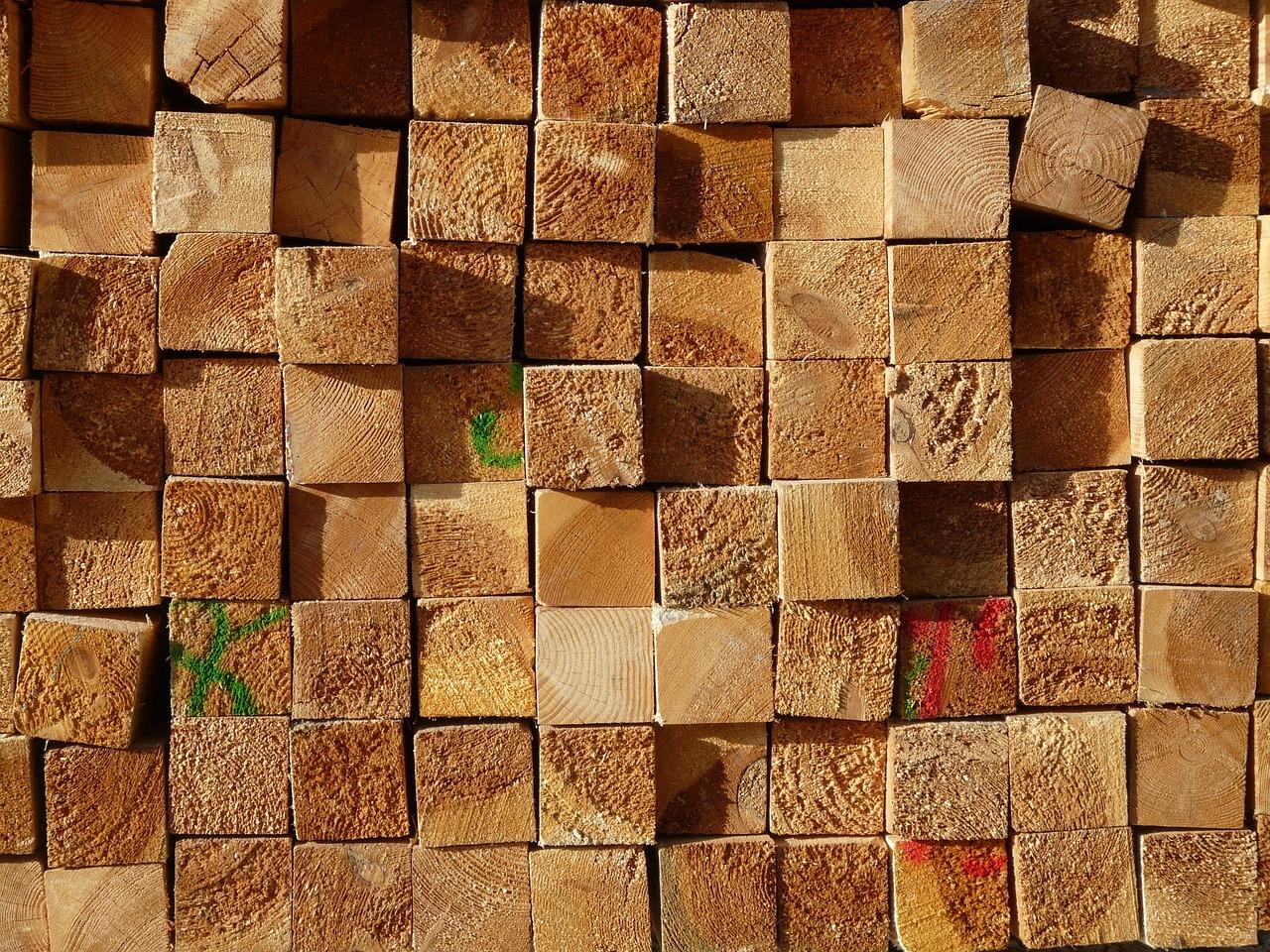
נחזור לכך שבתשובה לשאלה איך לבנות דק אנו צריכים לברר כמה זה יעלה לנו, מאיזה סוג של עץ הדק יהיה ולכך שלא כל קבלן יכול לבנות דק מכיוון שהדבר דורש התמחות אדירה. נציין גם כי לא משתלם לבנות דק לבד מכיוון שהדבר דורש ידע רב ויעלה לנו כסף רב לבנות את הדק לבד. לבסוף עלינו גם להסתכל על עלויות הדק בכדי להבטיח כי יש לנו תקציב לעשות זאת.
מוזמנים לבקר בדף הבית שלנו
מחסן עצים בית מעץ הצהרת נגישות
We firmly believe that the internet should be available and accessible to anyone, and are committed to providing a website that is accessible to the widest possible audience, regardless of circumstance and ability.
To fulfill this, we aim to adhere as strictly as possible to the World Wide Web Consortium’s (W3C) Web Content Accessibility Guidelines 2.1 (WCAG 2.1) at the AA level. These guidelines explain how to make web content accessible to people with a wide array of disabilities. Complying with those guidelines helps us ensure that the website is accessible to all people: blind people, people with motor impairments, visual impairment, cognitive disabilities, and more.
This website utilizes various technologies that are meant to make it as accessible as possible at all times. We utilize an accessibility interface that allows persons with specific disabilities to adjust the website’s UI (user interface) and design it to their personal needs.
Additionally, the website utilizes an AI-based application that runs in the background and optimizes its accessibility level constantly. This application remediates the website’s HTML, adapts Its functionality and behavior for screen-readers used by the blind users, and for keyboard functions used by individuals with motor impairments.
If you’ve found a malfunction or have ideas for improvement, we’ll be happy to hear from you. You can reach out to the website’s operators by using the following email
Our website implements the ARIA attributes (Accessible Rich Internet Applications) technique, alongside various different behavioral changes, to ensure blind users visiting with screen-readers are able to read, comprehend, and enjoy the website’s functions. As soon as a user with a screen-reader enters your site, they immediately receive a prompt to enter the Screen-Reader Profile so they can browse and operate your site effectively. Here’s how our website covers some of the most important screen-reader requirements, alongside console screenshots of code examples:
Screen-reader optimization: we run a background process that learns the website’s components from top to bottom, to ensure ongoing compliance even when updating the website. In this process, we provide screen-readers with meaningful data using the ARIA set of attributes. For example, we provide accurate form labels; descriptions for actionable icons (social media icons, search icons, cart icons, etc.); validation guidance for form inputs; element roles such as buttons, menus, modal dialogues (popups), and others. Additionally, the background process scans all of the website’s images and provides an accurate and meaningful image-object-recognition-based description as an ALT (alternate text) tag for images that are not described. It will also extract texts that are embedded within the image, using an OCR (optical character recognition) technology. To turn on screen-reader adjustments at any time, users need only to press the Alt+1 keyboard combination. Screen-reader users also get automatic announcements to turn the Screen-reader mode on as soon as they enter the website.
These adjustments are compatible with all popular screen readers, including JAWS and NVDA.
Keyboard navigation optimization: The background process also adjusts the website’s HTML, and adds various behaviors using JavaScript code to make the website operable by the keyboard. This includes the ability to navigate the website using the Tab and Shift+Tab keys, operate dropdowns with the arrow keys, close them with Esc, trigger buttons and links using the Enter key, navigate between radio and checkbox elements using the arrow keys, and fill them in with the Spacebar or Enter key.Additionally, keyboard users will find quick-navigation and content-skip menus, available at any time by clicking Alt+1, or as the first elements of the site while navigating with the keyboard. The background process also handles triggered popups by moving the keyboard focus towards them as soon as they appear, and not allow the focus drift outside of it.
Users can also use shortcuts such as “M” (menus), “H” (headings), “F” (forms), “B” (buttons), and “G” (graphics) to jump to specific elements.
We aim to support the widest array of browsers and assistive technologies as possible, so our users can choose the best fitting tools for them, with as few limitations as possible. Therefore, we have worked very hard to be able to support all major systems that comprise over 95% of the user market share including Google Chrome, Mozilla Firefox, Apple Safari, Opera and Microsoft Edge, JAWS and NVDA (screen readers), both for Windows and for MAC users.
Despite our very best efforts to allow anybody to adjust the website to their needs, there may still be pages or sections that are not fully accessible, are in the process of becoming accessible, or are lacking an adequate technological solution to make them accessible. Still, we are continually improving our accessibility, adding, updating and improving its options and features, and developing and adopting new technologies. All this is meant to reach the optimal level of accessibility, following technological advancements. For any assistance, please reach out to